
What it does
Text
Channels, threads, replies, reactions, search, file uploads, link previews, encrypted direct messages.
Voice
Channels you drop into. Noise suppression, push-to-talk, a volume for every person.
Video
Cameras in layers, so each viewer gets the size their connection and window can use.
Screen sharing
A screen or one window, up to 60 fps, with the sound of the applications you pick.
- One server binary, nothing else to install
- Works on a bare IP, no domain needed
- No central service, no telemetry
- Keys, not passwords
- Roles, invites and moderation built in
- AGPL-3.0
What it looks like
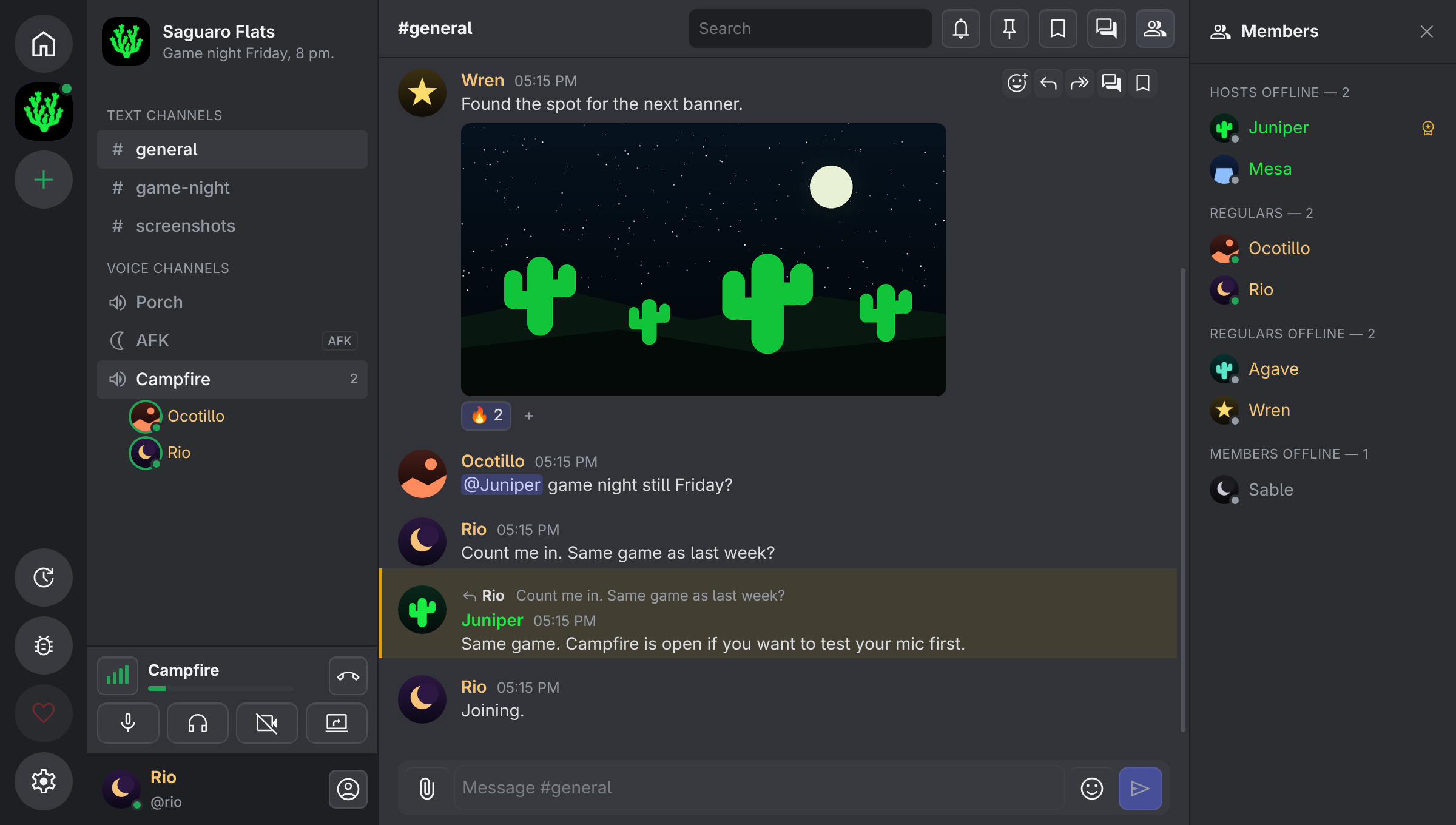
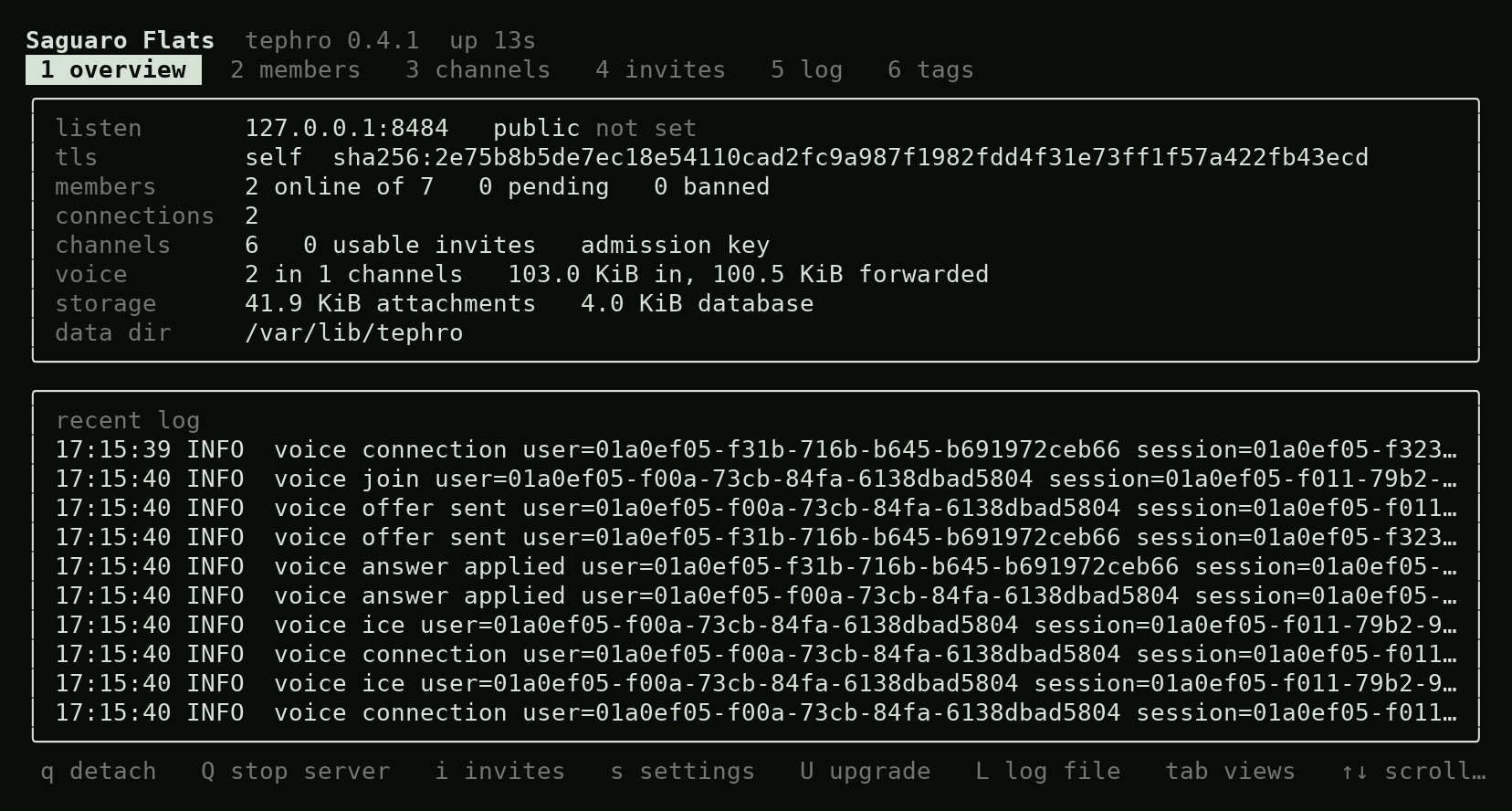
tephro tui.Download
Client 0.5.1
| Windows 10 or 11 | Tephro Setup 0.5.1.exe |
|---|---|
| Linux, any distribution | Tephro-0.5.1.AppImage |
| Debian, Ubuntu, Mint | tephro-client_0.5.1_amd64.deb |
| Fedora, openSUSE | tephro-client-0.5.1.x86_64.rpm |
| Arch | tephro-client-0.5.1-1-x86_64.pkg.tar.zst |
| macOS | Not packaged yet |
Server 0.4.1
| Linux, PC or VPS (x86-64) | tephro-0.4.1-linux-amd64 |
|---|---|
| Linux, ARM (Raspberry Pi 4 or 5, 64-bit) | tephro-0.4.1-linux-arm64 |
| Windows | tephro-0.4.1-windows-amd64.exe |
| macOS, Apple Silicon | tephro-0.4.1-macos-arm64 |
| macOS, Intel | tephro-0.4.1-macos-amd64 |
Not sure which Linux build? uname -m prints x86_64 or aarch64 (ARM). Every file is listed in a signed SHA256SUMS (client, server); the key's fingerprint is 3174 0E3B 30C6 597B 5578 FE09 A760 51A5 9D84 E725, and the server guide has the check. Installers are not code-signed yet, so Windows shows an unknown-publisher warning. Older versions are on the releases page.
Quick start
Run a server
- Download the server and start it. The first run asks a few questions.
chmod +x tephro-0.4.1-linux-amd64
./tephro-0.4.1-linux-amd64
- Open TCP 443 and UDP 443 to the machine.
- Register in the client with the owner link it printed. You are the owner.
- Invite people, one link each, from the client or the shell.
tephro admin invite
Join a server
- Install the client.
- Click the
tephro://invite link you were given, or paste it into Add a server. - Pick a name and register. Your key is made on your machine and stays there.